If you're shopping for help desk software and comparing Help Scout vs. Freshdesk, this comprehensive comparison of features, pricing, use cases, support, and scalability will make it easy to determine which tool is the best fit for your business.
It's important to note that Freshdesk's parent company, Freshworks, offers multiple customer support products: Freshdesk (for email support and building a help center), Freshchat (for chat support), Freshcaller (for phone support), and Freshdesk Omni (for omnichannel support).
Because Freshdesk Omni is the most similar to Help Scout, we've chosen to compare those two products below in all sections of this article except for the free plan comparison. While Freshdesk Omni does not offer a free plan, Freshdesk and Freshchat do, so in that specific section, we'll compare Help Scout to Freshworks' à la carte customer support products.
It's also worth noting that while we've done significant research to understand how Freshdesk's pricing works and what's included in its plans, its website is unclear, and its help center articles often have conflicting information. It may be necessary to reach out to their support team or start a trial to verify which features you will actually get for the price you expect to pay.
Quick look: Who is Help Scout best for vs. who is Freshdesk best for?
Help Scout is the more affordable option for small, mid-size, and growing businesses. Each plan costs $4-$34/user per month less than Freshdesk Omni’s plans, and it has more features baked into the base cost of its plans than Freshdesk, which has a number of its features locked behind add-ons and usage-based pricing that increase its costs.
Freshdesk Omni is the better choice under two conditions: 1.) if you want to consolidate all of your support tools into one system and need to deliver phone support or create customer portals or community forums or 2.) if you plan to resolve a high number of customer queries automatically with AI.
Learn more about Help Scout:
Help Scout's free plan vs. Freshdesk's free plan
If you're a small business or startup looking for a free platform to help you better organize and manage your requests from customers, Help Scout's and Freshdesk's free plans are both great options to consider.
Help Scout's higher user limit (five users on Help Scout versus two users on Freshdesk) makes it a good choice for larger teams. Also, while Freshdesk's free plan can only be used for six months, Help Scout doesn't have a time limit on how long you can use its free plan, so it’s also a better choice if you're planning to stick with the basics long term.
However, while Help Scout does not include live chat in its free plan, Freshworks offers free live chat through its Freshchat product. On Freshchat's free plan, you can add up to 10 users, embed a live chat widget on your website or mobile app, and manage chat requests in a shared inbox. As far as we can tell, there is no time limit on how long you can use Freshchat's free plan.
Here's a comparison of what's included in Help Scout's and Freshdesk's free plans.
| Feature | Help Scout | Freshdesk |
|---|---|---|
Number of users | 5 | 2 |
Email ticketing | ✅ | ✅ |
Knowledge base | ✅ | ✅ |
Live chat | ❌ | Available if you also sign up for a free Freshchat plan |
Reporting | ✅ | ✅ |
Ticket assignments | ✅ | ✅ |
Collision detection | ✅ | ❌ |
Internal notes | ✅ | ✅ |
Tags | ✅ | ✅ |
Snooze | ✅ | ❌ |
Send later | ✅ | ❌ |
Saved replies | ✅ | ✅ |
For the remainder of this post, we'll be comparing Help Scout's paid plans to Freshdesk Omni's plans.
Help Scout vs. Freshdesk Omni: Feature comparison

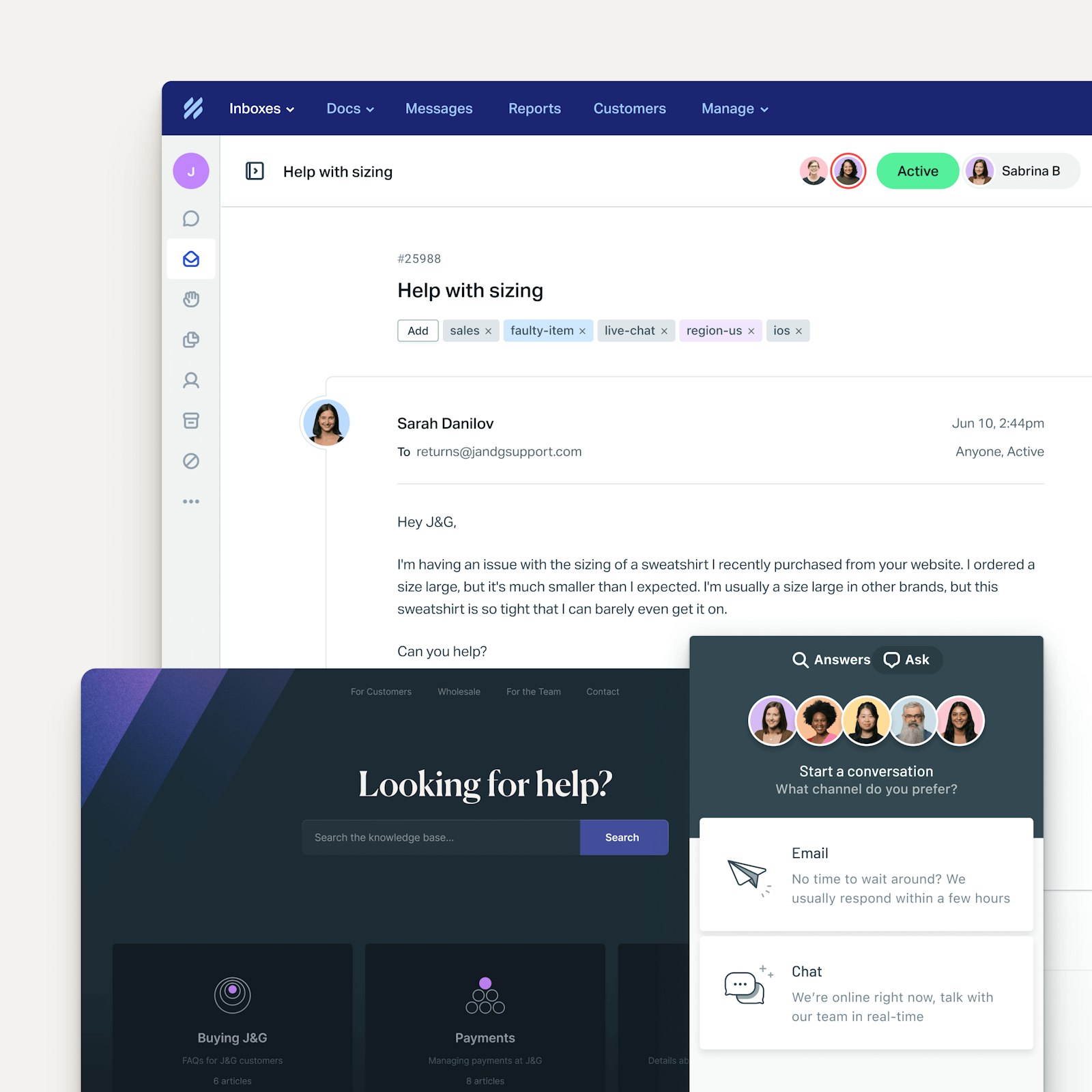
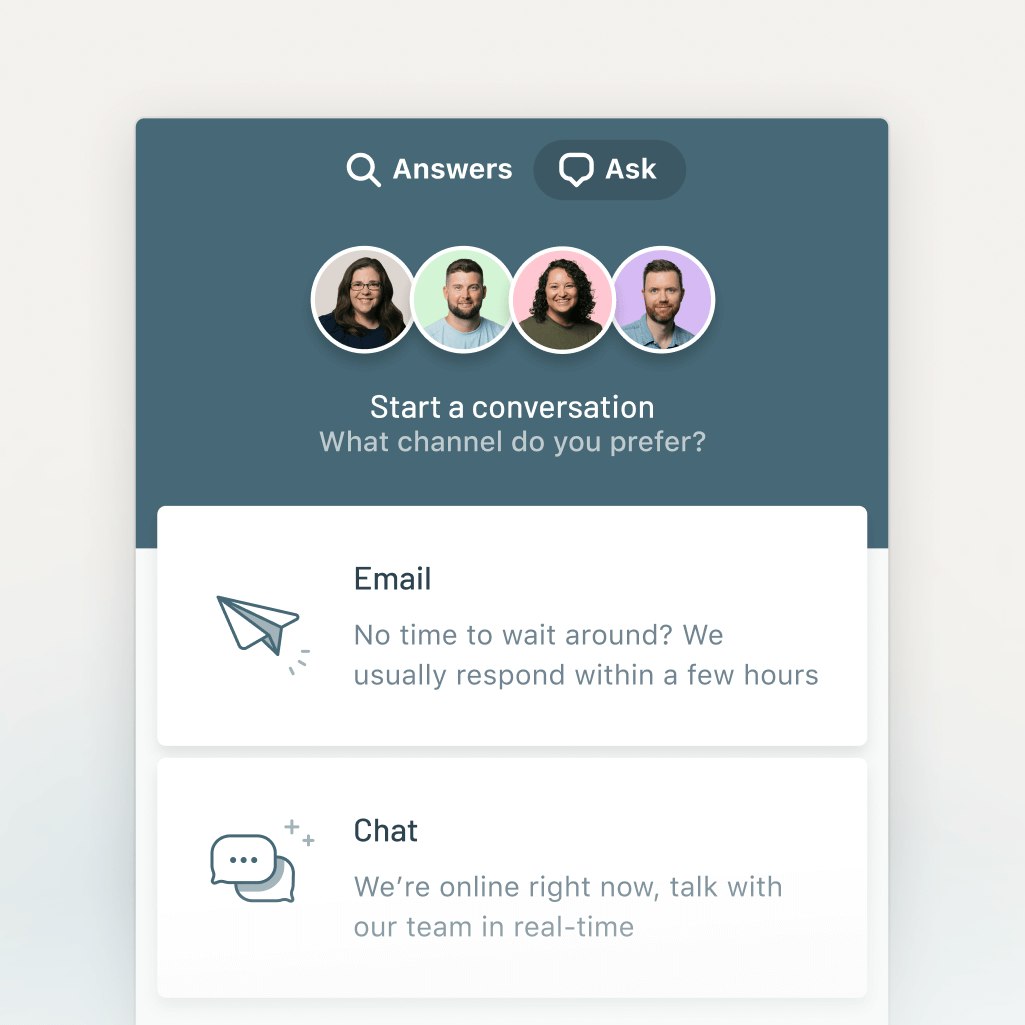
Both Help Scout and Freshdesk Omni let you deliver email, live chat, social media, and self-service support. As far as social, Help Scout can be used to manage requests from Facebook Messenger and Instagram. Freshdesk can be used to manage requests from Facebook Messenger, Instagram, WhatsApp, and LINE.
Freshdesk Omni does offer some channels that Help Scout doesn't. With Freshdesk Omni, you can deliver phone support and create customer portals and community forums. Help Scout only offers phone via integration with another provider, and community forums and customer portals are not available.
Overall, Help Scout is more affordable than Freshdesk Omni. However, if you need to offer phone support or create community forums or customer portals, Freshdesk may be the better choice since it consolidates all of your support tools into one.
Channel pricing comparison
| Channel | Help Scout's starting price | Freshdesk Omni's starting price |
|---|---|---|
$25/user per month | $29/agent per month | |
Live chat | $25/user per month | $29/agent per month |
Knowledge base | $25/user per month | $29/agent per month |
Social media | $25/user per month | $29/agent per month |
Phone | Available via integration only | $29/agent per month + $15/agent per month for the Freshcaller add-on |
SMS | Available via integration only | Available via integration only |
Community forums | Not available | $69/agent per month |
Customer portals | Not available | $29/agent per month |
Shared inbox features

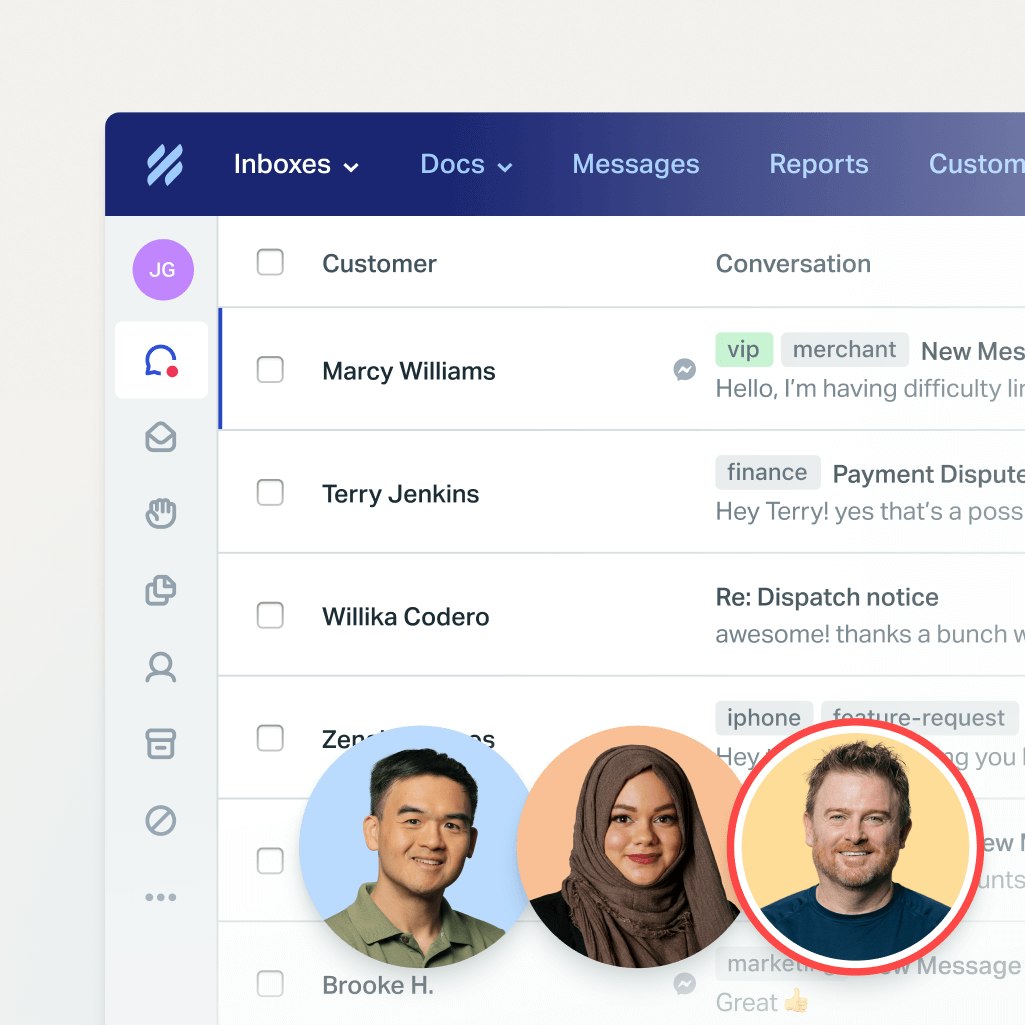
Both Help Scout and Freshdesk offer a number of collaboration, organization, and productivity features that help your team manage email requests more effectively:
Ticket assignments that let you assign specific conversations to specific agents.
Round-robin and load-balanced routing to distribute conversations equally.
Internal notes/threads to communicate privately with other team members before responding to customers.
Collision detection to prevent duplicate work and replies.
Tags that let you label and filter requests.
Customer profiles that show key information about the person requesting support.
Auto-replies that let customers know their requests have been received.
Saved replies that let you create canned responses to frequently asked questions.
Views that group together conversations that meet specific criteria (tags, assignees, etc.).
Workflows that automatically route and sort requests.
Freshdesk also offers a unique task management feature that can be helpful when resolving complex requests that require input from multiple individuals. Instead of assigning and reassigning the conversation to multiple team members, you can simply create tasks for the different individuals who need to do work to resolve the issue the customer is reporting.
Knowledge base and self-service features

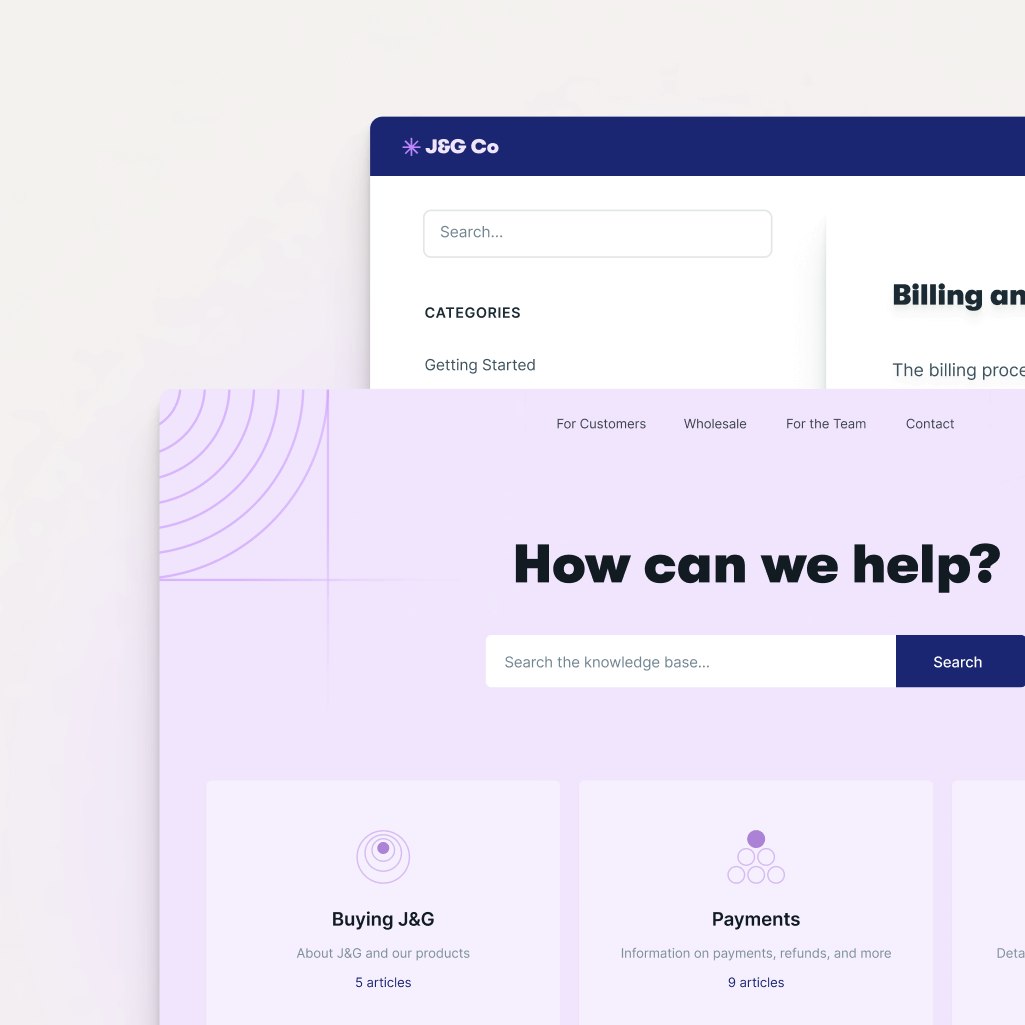
With Help Scout and Freshdesk, you can create an external knowledge base to enable customer self-service support. Both products let you create articles and sort them into collections. Both offer built-in search features, give you access to revision histories, and let you customize the design of your help center.
Both products also let you customize the visibility of your help center articles, letting you create articles or entire help centers that are internal-facing or restricted to specific customers. This is helpful for giving your team access to information you don't want to share with customers or creating help content that's exclusively for specific sets of customers.
Freshdesk also gives you the ability to create community forums and customer portals — two features Help Scout doesn't offer.
As far as pricing for knowledge base features, Help Scout offers more features at more affordable prices. For example, to customize the branding of your knowledge base, serve your knowledge base in multiple languages, or use article versioning on Freshdesk Omni, you'll need to be on the Pro plan ($69/agent per month). These same features are available on Help Scout's Standard plan for $25/user per month.
Reporting and analytics features

Both Help Scout and Freshdesk Omni offer pre-built and custom reports — as well as report exporting — so you can easily track your KPIs and monitor volume trends overall and by channel. Both also offer office/business hours, which is a way to define the times when you offer support so your reports aren't negatively impacted by days or times when no one is working.
When it comes to reporting, Help Scout is also the more affordable option. Custom reports and office hours are included in all of Help Scout plans (starting at $25/user per month), but these features are only included in Freshdesk Omni's Pro plan and higher (starting at $69/agent per month).
AI features

Both Help Scout and Freshdesk offer AI agent and copilot features that help your team respond to requests more quickly.
AI agents
Freshdesk's AI agent is called Freddy AI, and Help Scout's is called AI Answers. Both products use knowledge from your help center and websites to automatically answer customers' questions in real time. However, Help Scout's AI Answers is only available in its live chat widget, Beacon. Freddy AI can be used to automatically respond to customers on all channels.
Additionally, when connected to other backend systems, Freshdesk's Freddy AI can perform actions on its own, such as updating orders and processing refunds. This capability is not available in Help Scout.
Copilot features
Freshdesk's Freddy AI Copilot and Help Scout's AI Drafts, AI Summarize, and AI Assist all use AI to help your team move more quickly. With both products, you can:
Instantly draft a response to an email by using information from your knowledge base, previous support interactions, and websites. That response can then be reviewed and edited for accuracy before sending.
Create a summary of a long back-and-forth support conversation, either for your historical records or to help agents working on the request get up to speed quickly.
Translate your email replies into another language to provide multi-lingual support.
However, both products also offer one AI feature you won't find in the other.
Help Scout's AI Assist lets you refine what you've already written in a support reply or knowledge base article, making it shorter/longer, fixing any spelling or grammar mistakes, or adjusting the tone/voice. You can also use AI Assist to translate knowledge base articles into other languages.
Freshdesk's AI copilot will automatically detect sentiment and quantify it as positive, neutral, or negative to help you prioritize requests based on how your customers are feeling.
AI reporting features
Freshdesk Omni also offers an AI insights tool called Freddy Insights, a conversational AI analysis tool that your team leaders can use to get answers to questions about your data or team's performance or to generate custom reports and charts from prompts.
Proactive support features

In addition to all of the features that let you support users when they ask for help, Help Scout and Freshdesk also offer proactive support features that let you offer support before someone has to ask for it or to collect feedback from customers.
In Help Scout, you can:
Pop up a message on your website or in your app when a user meets certain conditions you set, such as viewing a specific page, spending a certain amount of time looking at a page, or looking at a page multiple times.
Add a banner to the top of your website or app to get a message in front of all users in a prominent space.
Send surveys to collect Net Promoter Score ratings from customers or to ask a custom-written question.
Freshdesk only has one proactive support feature: Proactive Outreach. It lets you send either a one-time or trigger-based email to customers.
With one-time emails, you can build custom lists of customers and send a mass email to them, which can be useful for letting customers know about new features or system outages.
With trigger-based outreach, you can send emails to individual customers automatically when they meet certain conditions. This can be used to do things like request feedback on a recent purchase/interaction or remind customers about an abandoned cart.
Help Scout vs. Freshdesk Omni: Pricing comparison
Both Help Scout and Freshdesk Omni use hybrid pricing models. The base software for both products is user-based, meaning your per-month price will increase as you add new users to your account. However, pricing for both products' AI agents is usage-based, meaning you'll pay more based on the number of requests that your AI agents resolve. Additionally, Freshdesk has usage-based pricing for some of its integrations through its connector apps marketplace.

Help Scout has four pricing packages:
Free: $0/month for up to five users.
Standard: $25/user per month.
Plus: $45/user per month.
Pro: $75/user per month.
As far as usage-based pricing, AI Answers can be added to any paid Help Scout plan; its pricing starts at $0.75/resolution after a three-month free trial. AI Assist is included in all paid plans at no additional cost, and AI Summarize and AI Drafts are included in Plus and Pro plans at no extra cost.

Freshdesk Omni has three pricing packages:
Growth: $29/agent per month.
Pro: $69/agent per month.
Enterprise: $109/agent per month.
Freshdesk's Freddy AI Agent can be added to all of its Omni plans for $100 per 1,000 sessions ($0.10 each). Freddy AI Copilot can be added to its Pro and Enterprise plans for an additional $29/agent per month. For integrating with apps in Freshdesk's connector apps marketplace, you'll pay an additional $80 per 5,000 tasks.
Help Scout is the more affordable option overall, with plans ranging between $4-$34/user per month less than Freshdesk Omni. Additionally, Help Scout's integrations and one or more of its copilot features are included in the base price of all paid plans with no usage or add-on fees.
The one area where Freshdesk is more affordable than Help Scout is with its AI agents. The usage fee for Help Scout's AI Answers is $0.75/resolution. Freshdesk's is much more affordable at $0.10/session. However, it's worth noting that Freshdesk's $0.10 fee applies to all conversations customers have with your AI agent, while Help Scout's usage fee only applies to requests that the AI Agent resolves on its own.
Ease of use and setup

When it comes to customer reviews on G2, Help Scout scores higher than Freshdesk for ease of use, ease of setup, and ease of admin.
Help Scout is well-known for its ease of use. You can learn how to use it in a day and become a power user in a week, and it's so intuitive that very little training is required when adding new team members to the system. As one Help Scout customer writes:
"What I like most about Help Scout is the ease of use. Help Scout is easy to set up and, in most cases, you can avoid working with your IT team. Help Scout also has a very intuitive interface, which makes training your team easy! The Help Scout team got it right!"
While customers also largely find Freshdesk easy to use, some customers note that integrating with third-party apps sometimes requires technical knowledge, the high number of features included in the platform can be overwhelming for new users, and connecting multiple Freshworks products together is confusing and complicated.
Integrations

When it comes to integrations, while Help Scout has a higher customer rating (8.5/10) on G2 than Freshdesk (8.2/10), Freshdesk offers more integrations overall.
Help Scout has around 100 integrations with the primary tools teams want to connect to their support systems: Slack, HubSpot, Salesforce, Aircall, Shopify, Jira, Linear, etc. Freshdesk's Marketplace, on the other hand, has nearly 700 different integrations with both big-name tools and smaller, more niche systems.
Help Scout's Salesforce, HubSpot, Jira, and Linear integrations are included in its Plus and Pro plans at no additional charge. Freshdesk's integrations with apps like Salesforce, HubSpot, Jira, and GitHub are only available as connector apps, which have an additional fee of $80 per 5,000 tasks.
Scalability
Both Help Scout and Freshdesk are built to scale alongside teams. The major difference is that scaling with Help Scout is more affordable, while scaling with Freshdesk Omni can be simpler if you plan on adding phone support in the future.
Customer support

Help Scout has a higher G2 rating for its customer support than Freshdesk, with a 9.1/10 compared to Freshdesk's 8.7/10. It's not uncommon for Help Scout's customers to write reviews like this one:
“The customer support is over-the-top, amazing, above-and-beyond helpful. These are not clichés, they should be taken literally.”
Every user at your company can contact Help Scout's support team 24/6, there are live training classes offered every week, and, if you want to self-serve, you can access the platform's comprehensive knowledge base.
Help Scout vs. Freshdesk Omni: Which tool is right for you?
If all of the information above didn't make it clear which platform is the best for your team, here's a final summary to help you choose the right option:
Help Scout is generally more affordable than Freshdesk Omni. Its plans cost between $4-$34/user per month less, and more features are baked into the base cost of Help Scout while Freshdesk Omni sells them as add-ons. However, Freshdesk's lower AI agent usage fees can make it more affordable if you expect you'll need to use AI to resolve a high volume of customer requests.
Freshdesk is the better choice if you want to consolidate all of your support tools in one system and will need phone support, community forums, or customer portals immediately or in the future.
Help Scout's free plan is more generous than Freshdesk's, making it a better choice for small businesses. It includes more users and can be used by teams indefinitely. Freshdesk's free plan can only be used for up to six months.
Freshdesk is the better choice if you want to use AI to answer customers' questions automatically on all channels. Help Scout's automated answers are limited to live chat. With that said, Help Scout's AI Drafts can be used to generate AI replies to requests received via email, but it requires agents to generate, review, and send the replies. That can be a benefit or a disadvantage, depending on your AI support philosophy.
Both Help Scout and Freshdesk are leaders in the customer support space, and you really can't go wrong with either choice. Consider the differences between the two platforms, select the platform that feels like it will best support your business’s unique needs, and then start a trial to make sure that it works for you both in theory and in practice.