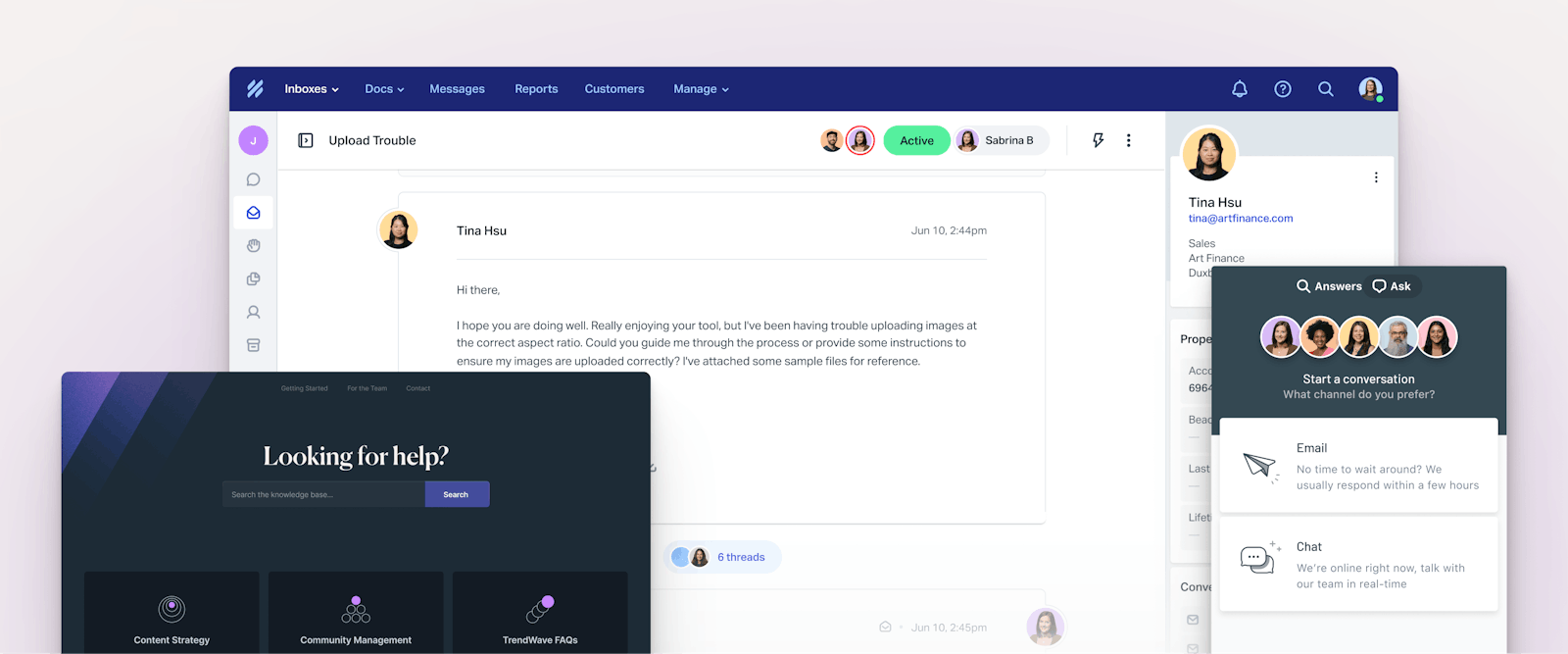
If you’re shopping for customer service software and comparing Help Scout vs. Intercom, this comprehensive comparison of features, pricing, use cases, support, and scalability will make it easy to determine which tool is the best fit for your business.

Quick look: Who is Help Scout best for vs. who is Intercom best for?

Both Help Scout and Intercom are popular customer support platforms, especially among SaaS and ecommerce businesses. The features you’ll find in both platforms are nearly identical — either tool will give you access to everything your team needs to support your customers. The decision on which platform is better for your team comes down to four key factors:

  1. Budget: Help Scout is much more affordable than Intercom; you’ll pay between $29 and $57 less per user/month on Help Scout’s plans than Intercom’s. Additionally, Help Scout’s AI chatbot feature has a lower per-resolution cost of $0.75/resolution compared to Intercom’s $0.99/resolution.

  2. AI features: While both platforms offer AI chatbots that answer customer questions for you and AI assistants that help your team create faster, better replies, Intercom has a lot of additional AI features you won’t find in Help Scout.

  3. Support philosophy: Intercom is an “AI-first” platform, while Help Scout is a “customer-first” platform. Intercom is working on automating away as much support work as possible; Help Scout is building AI into its platform to enable the humans on your support team to do more engaging and rewarding work.

  4. Channel coverage: Both tools let you deliver email, self-service, live chat, and social support. For channels like SMS and phone, Help Scout integrates with other SaaS products, while Intercom offers these channels natively (with additional costs).

Help Scout vs. Intercom feature comparison

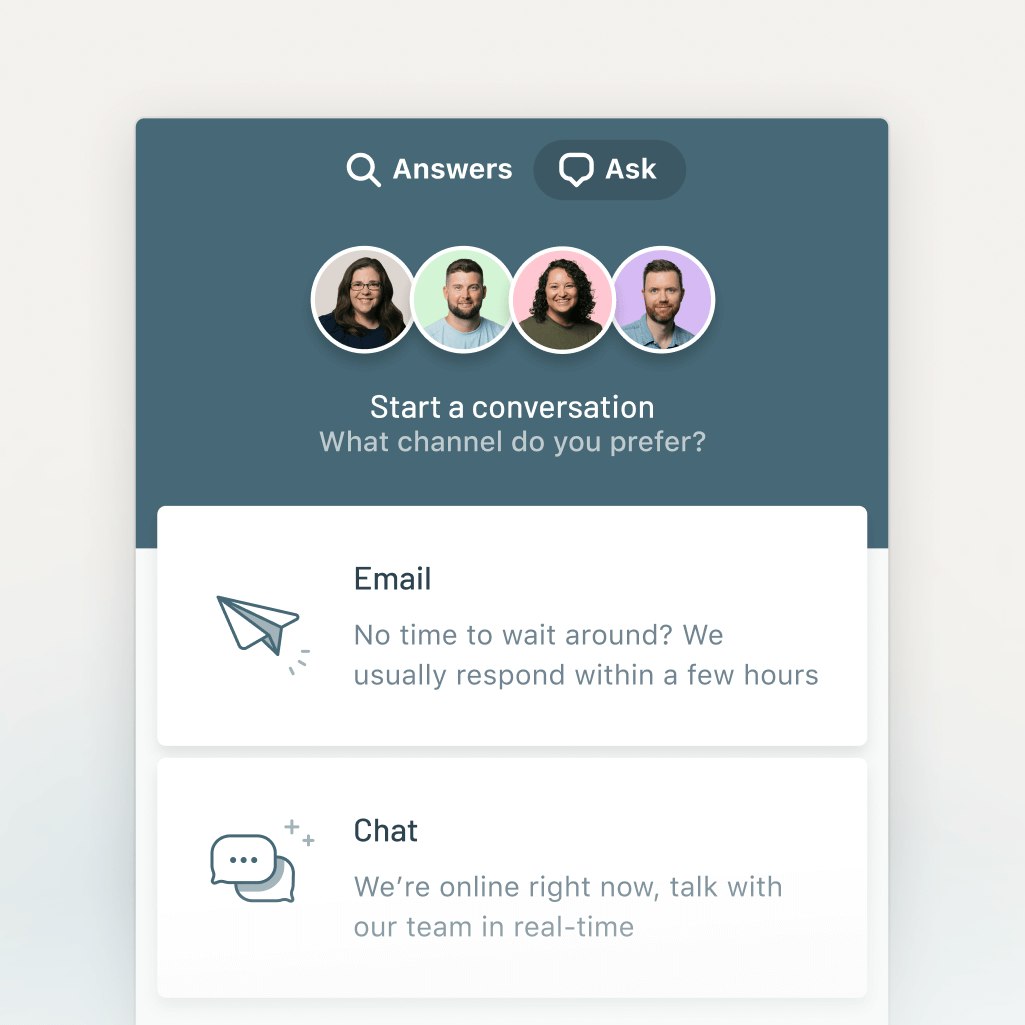
Both Help Scout and Intercom let you deliver support on the major channels: email, live chat, self-service, and social (Facebook and Instagram). 

Help Scout includes these channels in all of its paid plans. Intercom includes live chat, email, and WhatsApp (which isn’t available on Help Scout) on its Essential plan, but Facebook and Instagram support are only available on the Advanced plan or higher.

For phone and SMS support, Help Scout offers integrations with providers like Aircall, Talkdesk, Textline, and Text Request. Intercom offers these channels natively, though they’re priced separately rather than being included in any of the platform’s base plans. SMS campaigns are priced by text sent/received, and phone is priced per minute.

If you’re looking for a platform that will manage all of your support requests across all channels in a single, central system, Intercom is the better choice. If you’re not offering SMS or phone support (or are willing to integrate with other systems to add these channels), Help Scout is much more affordable.

ChannelHelp Scout’s starting priceIntercom’s starting price

Email

Free plan available; paid plans start at $25/user per month

$29/seat per month

Live chat

$25/user per month

$29/seat per month

Knowledge base

Free plan available; paid plans start at $25/user per month

$29/seat per month

Social media

$25/user per month

WhatsApp: $29/seat per month

Facebook and Instagram: $85/seat per month

Phone

Available via integration only

Inbound calls start at $0.012/minute

Outbound calls start at $0.022/minute for all states in the U.S. except for Alaska

SMS

Available via integration only

Starting at $0.06/message sent or received

Conversation management features

Help Scout vs. Intercom - Conversation management features
Ratings for each platform’s ticket management features on G2.

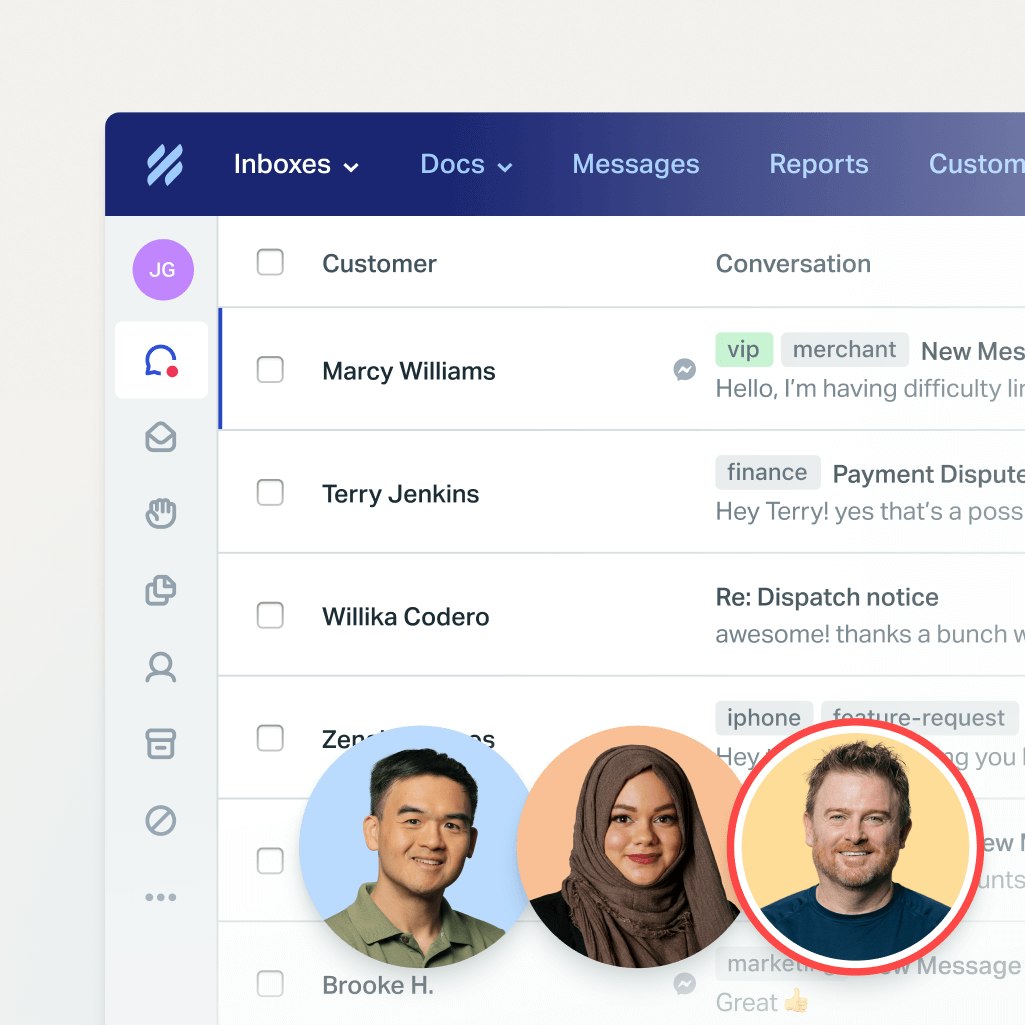
Both Help Scout’s and Intercom’s shared inboxes centralize all support requests from all channels, giving your team a single place to see and manage all customer inquiries. 

Additionally, both tools offer an almost identical feature set when it comes to routing, managing, and responding to requests, though you’ll pay different amounts on the different platforms to access those features.

FeatureHelp Scout priceIntercom price

Views

$25/user per month

$29/seat per month

Saved replies

$25/user per month

10 saved replies are included in the free plan

$29/seat per month

Conversation assignments

$25/user per month

Included in the free plan

$29/seat per month

Snooze

$25/user per month

Included in the free plan

$29/seat per month

Office hours

$25/user per month

$29/seat per month

Tags

$25/user per month

10 tags are included in the free plan

$29/seat per month

Satisfaction ratings

$25/user per month

$29/seat per month

Workflows

$25/user per month

$85/seat per month

Round-robin assignments

$45/user per month

$85/seat per month

Capacity-based assignments

$75/user per month

$132/seat per month

Knowledge base and self-service features

Help Scout vs. Intercom - Knowledge base and self-service features
Help Scout has an overall rating of 8.6 out of 10 for its self-service features on G2 versus Intercom’s 8.1 out of 10 rating.

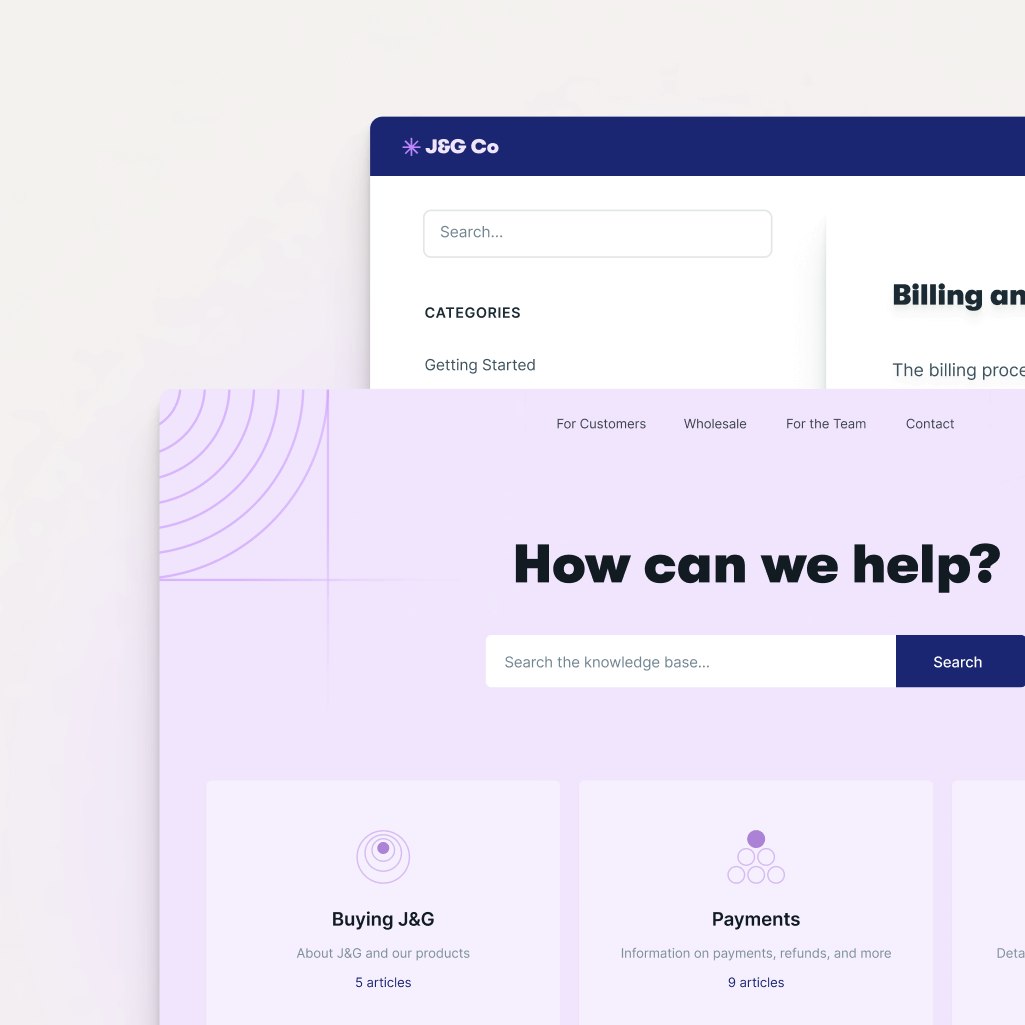
On Help Scout’s and Intercom’s paid plans, you can create public and private knowledge bases, add an unlimited number of articles, and sort those articles into collections. The design of the knowledge bases on both platforms can also be customized to match your company’s brand, and both let you create multilingual help centers.

One key difference between the two platforms is that you can only create multiple help centers on Intercom’s Expert plan ($132/seat per month). All of Help Scout’s paid plans come with multiple help centers: Standard ($25/user per month) comes with two, Plus ($45/user per month) comes with three, and Pro ($75/user per month) comes with five.

Collaboration features

Both Help Scout and Intercom offer lots of features that make it easy for your teams to collaborate on requests:

  • Collision detection to see when another agent is already working on a request.

  • Internal notes to provide additional context when assigning a request to someone else.

  • Mentions to tag teammates on requests and notify them that their help is needed.

  • Teams to create groups of agents who work on specific types of requests.

  • Features to manage mail from several email addresses in a single shared inbox.

  • Multiple inboxes for businesses with multiple brands or privacy requirements.

Collision detection (called “teammate presence” in Intercom), internal notes, @mentions, and managing several email addresses in one inbox are all available on all plans that both platforms offer.

Teams (called “segments” in Intercom) are included in all of Intercom’s plans and they’re included in Help Scout’s Plus and Pro plans.

Help Scout offers one inbox on its free plan, two on its Standard plan ($25/user per month), five on its Plus plan ($45/user per month), and 10 on its Pro plan ($75/user per month). Multiple inboxes are only available on Intercom’s Advanced plan and higher, with pricing for those plans starting at $85/seat per month.

Intercom also offers light seats — a way to bring non-support team members into the queue without having to pay per-user costs for them. Up to 20 light seats are included in the Advanced plan, and 50 light seats are included in the Expert plan.

Reporting and analytics features

Help Scout vs. Intercom - Reporting and analytics features image
Ratings for each platform’s reporting features on G2.

Both Help Scout and Intercom offer pre-built and custom reports — as well as report exporting — so you can easily track your KPIs and monitor volume trends overall and by channel. Both also offer office hours (available on Help Scout’s paid plans only), which is a way to define the times when you offer support so your reports aren’t negatively impacted by days/times when no one is working.

AI features

AI - Hero with Draft and Answers

When it comes to AI features, Help Scout has everything your team needs, and Intercom has everything your team could ever possibly want.

Help Scout has four AI features:

  • AI Answers: A generative AI-powered chatbot that automatically replies to customer questions over chat by using information from your knowledge base and any websites you add. (Three-month free trial available, then $0.75/resolution.)

  • AI Assist: Uses AI to refine what you’ve already written in a support reply or knowledge base article, making it shorter/longer, translating it into another language, or adjusting the tone/voice. (Included in all paid plans.)

  • AI Drafts: Lets you use AI to create a draft response to a query by using information from your knowledge base, previous support interactions, and websites. (Included in the Plus and Pro plans.)

  • AI Summarize: Uses AI to create a summary of a long back-and-forth support conversation, either for your historical records or to help agents working on the request get up to speed quickly. (Included in the Plus and Pro plans.)

Intercom’s version of AI Answers is its Fin AI Agent, which costs $0.99/resolution. Unlike Help Scout’s chatbot which only works within the platform’s live chat widget, Fin can be used to automatically reply to questions received via chat, email, social, WhatsApp, and SMS.

Intercom’s version of AI Drafts and AI Assist are available through its Copilot add-on (free for the first 10 uses/agent per month, $35/seat per month for 11+ uses). Copilot writes draft replies for agents, can be used to expand responses or adjust the tone of voice, and even shows which sources the information it included came from.

AI Summarize is included in Intercom’s Advanced and Expert plans.

Intercom also offers a lot of AI features that you won’t find in Help Scout, but keep in mind that all of these features are sold as add-ons and are not included in Intercom’s base pricing:

  • Fin Tasks: Connect Fin to other systems (like your billing software or ecommerce platform) so it can automatically make updates in those systems for you.

  • CX Score: Use AI to interpret how satisfied customers were with their support interactions to get satisfaction ratings even when customers don’t leave them.

  • AI Insights: Get AI-generated insights on how your team is performing and where there’s room for improvement.

  • Fin Voice: Create a voice chatbot that can reply to customers’ questions on the phone.

  • Fin over Slack: Use Fin to answer customers’ questions in Slack.

One final unique feature of Fin is that you don’t have to subscribe to an Intercom Suite (its help desk) plan to use it, so if you already have a support platform that you like but aren’t happy with its AI chatbot features, you can purchase Fin separately.

Proactive support features

Messages-General-Blog-MediaLibrary

In addition to all of the features that let you support users when they ask for help, both Help Scout and Intercom also offer several proactive support features that let you offer support before someone has to ask for it or identify issues before they start impacting customers. You can:

  • Pop up a message on your website or in your app when a user meets certain conditions you set, such as viewing a specific page, spending a certain amount of time looking at a page, or looking at a page multiple times.

  • Add a banner to the top of your website or app to get a message in front of all users in a prominent space.

  • Send surveys to collect NPS® ratings from customers or to ask a custom-written question.

  • Create webhooks (i.e., event listeners) to get notifications when specific events occur.

Intercom also has a few additional proactive support features you won’t find in Help Scout. You can use it to build product tours inside of your app to walk customers through how to use specific features, add tooltips inside of your product to provide brief explanations of features, and create checklists to provide users with to-do lists for accomplishing tasks.

Intercom’s banner message and tooltip features are included in all of its plans. All of its other proactive support features are part of its Proactive Support Plus add-on, which costs $99/month.

In Help Scout, you’ll get different features in different plans:

  • Up to 2,000 unique views for surveys, banners, and proactive messages are included in all paid plans, with additional views offered as a pay-as-you-go option.

  • Webhooks are included on Plus and Pro plans.

Help Scout vs. Intercom pricing comparison

Both Help Scout and Intercom use hybrid pricing models. The base software for both products is user-based, meaning your per-month price will increase as you add new users to your account. However, pricing for their AI chatbots is usage-based, meaning you’ll pay more based on the number of requests that your AI assistants resolve.

Help Scout Pricing Screenshot
Help Scout’s plans and pricing.

Help Scout has four pricing packages:

  • Free: $0/month for up to 5 users.

  • Standard: $25/user per month.

  • Plus: $45/user per month.

  • Pro: $75/user per month.

As for usage-based pricing, AI Answers starts at $0.75/resolution after a three-month free trial. AI Assist is included in all paid plans at no additional cost, and AI Summarize and AI Drafts are included in Plus and Pro at no additional cost.

Help Scout vs. Intercom - Intercom's Plans and Pricing image
Intercom’s plans and pricing.

Intercom has three pricing packages:

  • Essential: Starting at $29/seat per month.

  • Advanced: Starting at $85/seat per month.

  • Expert: Starting at $132/seat per month.

As for usage-base pricing, the cost of Fin is $0.99/resolution. If you want to use Intercom for phone or SMS support, you’ll be responsible for additional per-message/per-minute fees.

To get access to Intercom’s other AI features, you’ll have to pay for add-ons. Its Copilot add-on can be used 10 times/agent per month; if you want to use it more than that, you’ll have to pay an additional $35/seat per month for each person on your team who will be using it. Pricing is not public for its other add-on AI products.

Overall, Help Scout is much more affordable than Intercom. It has a free plan that’s perfect for small teams and startups, and its paid plans run between $4 and $57 less per user/month than Intercom’s plans.

What customers say about Help Scout’s and Intercom’s pricing

Help Scout vs. Intercom - What customers say about pricing image
Overall Capterra ratings for Help Scout and Intercom.

Help Scout has a higher rating on Capterra for “value for money” with a 4.4 out of 5-star rating versus Intercom’s 4.0 out of 5 stars. 

Customers reviews of Intercom — even those that praise every other aspect of the platform — frequently cite Fin’s high resolution costs and the steep jump in price from its base plan to the mid-tier plan as big downsides of the platform:

  • “The main drawback is cost. Compared to other AI chatbot solutions we’ve evaluated, Fin’s pricing feels high, especially for teams handling large ticket volumes.” Read the full review.

  • “The biggest downside is pricing — it can scale up quickly as your user base or contact volume grows. Some features that feel core (like advanced reporting or certain automation tools) are gated behind higher-tier plans.” Read the full review.

  • “Once you exit the 95% discount of the startup program, the pricing becomes quite hefty. This has led us to downgrade some of the amazing tools and features in order to save costs, which is a bit disappointing given how valuable they were for our operations.” Read the full review.

Ease of use and setup

Help Scout vs. Intercom - Ease of use and setup image
Ratings for each platform’s ease of use on G2.

When it comes to customer reviews on G2, Help Scout scores higher than Intercom for ease of use, ease of setup, and ease of admin.

Help Scout is well-known for its ease of use. You can learn how to use it in a day and become a power user in a week, and it’s so intuitive that very little training is required when adding new team members to the system. As one Help Scout customer writes

“What I like most about Help Scout is the ease of use. Help Scout is easy to set up and, in most cases, you can avoid working with your IT team. Help Scout also has a very intuitive interface, which makes training your team easy! The Help Scout team got it right!”

Integrations

Help Scout vs. Intercom - Integrations image
Ratings for each platform’s integrations on G2.

When it comes to integrations, Intercom has a slightly higher score than Help Scout on G2, with an 8.6/10 rating versus Help Scout’s 8.5 out of 10. Intercom also offers more integrations than Help Scout, with Intercom offering around 450 and Help Scout offering around 100.

However, both tools offer integrations with the primary tools teams want to connect to their support systems, such as Slack, HubSpot, Salesforce, Shopify, Jira, and Linear. Additionally, both tools also offer an API that lets developers connect the platforms to any tool they want, even if a specific integration isn’t available (e.g., company-built apps).

Scalability

Both Help Scout and Intercom have the basic features that teams need while they’re small and the more advanced features they’ll need as they grow, so scaling the size of your team on either platform is seamless. 

With that said, Help Scout is generally the better option for small businesses and startups that are looking to scale, while Intercom is generally the better option for large companies that are planning to scale even further. 

Intercom’s massive pricing jumps between plans can make taking advantage of all of the features it offers prohibitive for smaller teams with smaller budgets. On the flip side, its ability to offer phone and SMS support natively make it more appealing for larger support teams that don’t want to have to buy additional support tools in order to add new channels.

Customer support

Help Scout vs. Intercom - Customer support image
Ratings for each platform’s customer support on G2.

Help Scout has a higher G2 rating for its customer support than Intercom, with a 9.1/10 compared to Intercom’s 8.6/10. It’s not uncommon for Help Scout’s customers to write reviews like this one: “The customer support is over-the-top, amazing, above-and-beyond helpful. These are not clichés, they should be taken literally.” 

Every user at your company can contact Help Scout’s support team 24/6, there are live training classes offered every week, and if you want to self-serve, you can access the platform’s comprehensive knowledge base.

Help Scout vs. Intercom: Which tool is right for you?

If all of the information above didn’t make it clear which platform is the best for your team, here’s a final summary to help you choose the right option:

  • If you’re a small or mid-sized business that’s looking for a support platform that’s easy to use and affordable, choose Help Scout. If you’re already a large company that’s expecting even more growth and doesn’t have budget constraints, choose Intercom.

  • If you plan to do most of your support over email, live chat, and self-service, choose Help Scout. If you need to deliver phone, SMS, or WhatsApp support, choose Intercom.

  • If you want access to AI features that help your teams do more engaging work, choose Help Scout. If you want to automate as much as you possibly can, choose Intercom.

Both Help Scout and Intercom are leaders in the customer support space, and you really can’t go wrong with either choice. Consider the differences between the two platforms, select the platform that feels like it will best support your business’s unique needs, and then start a trial to make sure that it works for you both in theory and in practice.

Like what you see? Share with a friend.