All the answers your customers are looking for, in one place
Give customers access to all the information they need and save your team time responding to FAQs—that’s the power of Help Scout’s knowledge base software.


Say hello to Docs 👋
Some customers want to reach out for support, but many prefer to look up answers themselves in a help center. Docs makes it easy to launch and manage your own help center, with no coding required. Publish, share, and update help articles, plus track customer behavior to improve over time. Your team will save time responding to FAQs, and customers can get answers faster—everyone wins!
The knowledge base software your team will love
Launch in no time
With our no-code builder, it's easy to create articles with images, tables, videos, and more. Plus, use our auto-generated sitemap to organize your content, and customize your SEO details to make it searchable.

Put answers in all the right places
Anticipate what customers might want to learn more about on any page of your website or app, and surface relevant articles with the Beacon help widget.

Choose who can access your content
Leverage our API to authorize and segment who can view your knowledge base. Make your site public, or restrict access to authorized visitors—the choice is yours.

Learn what customers are looking for
Track what your customers are searching for, what they’re finding (and not finding), and what percentage of customers still reach out to your team after reading a help article.
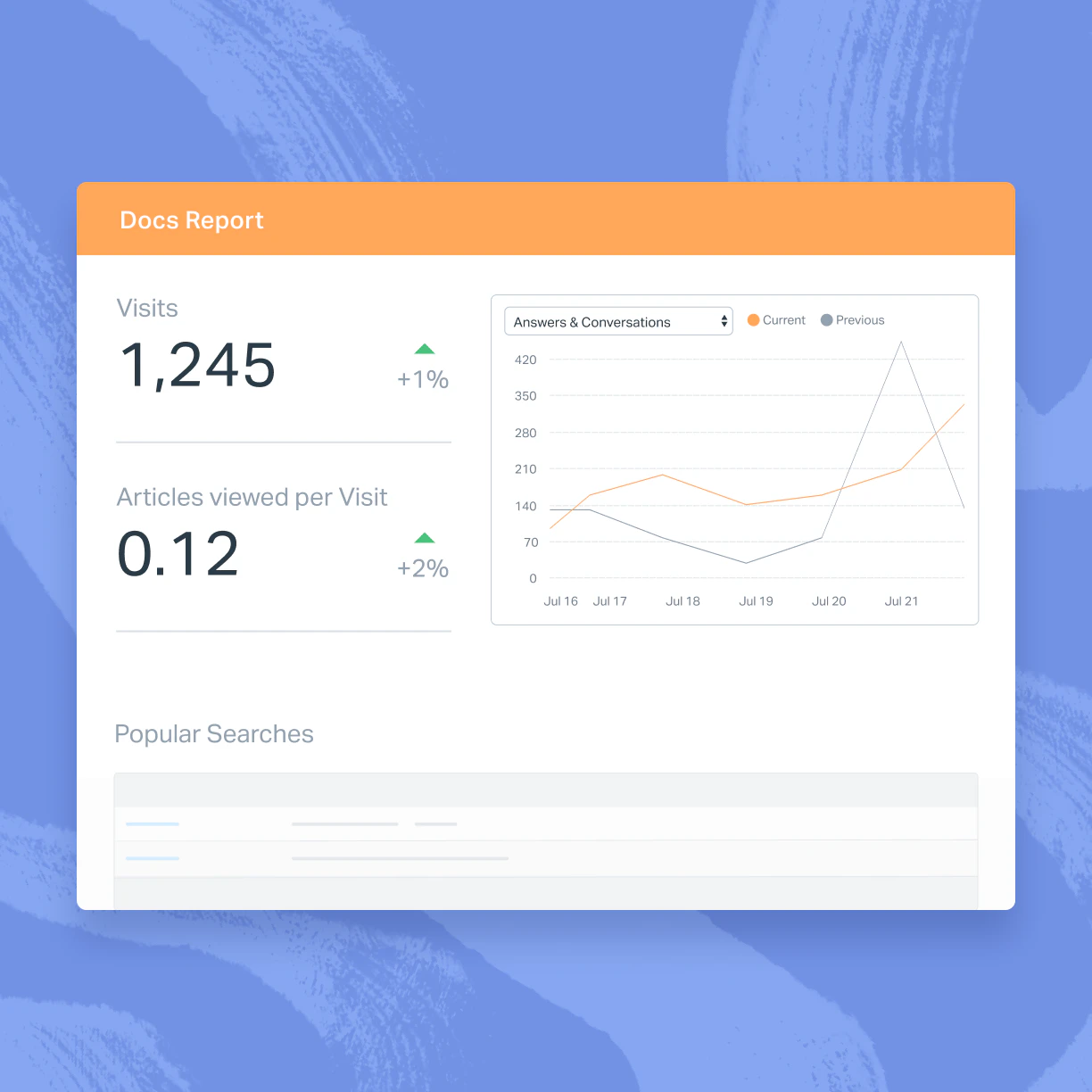
Build a help center that wows customers
Match your brand tone with custom colors and formatting using our no-code builder, or replicate your brand styling perfectly with custom CSS.

If customers can’t find answers themselves, make it easy for them to reach out directly via email or live chat using the Beacon help widget.
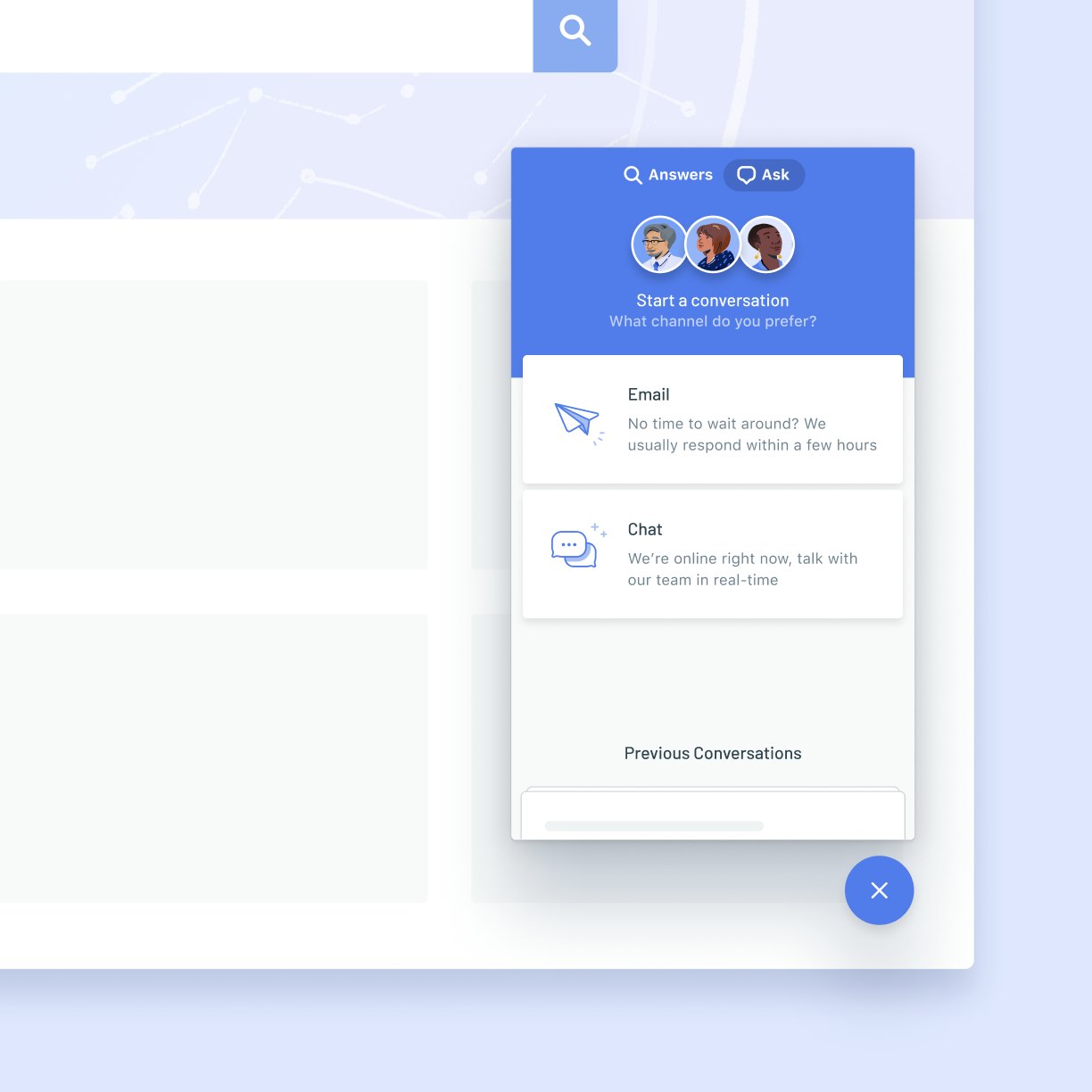
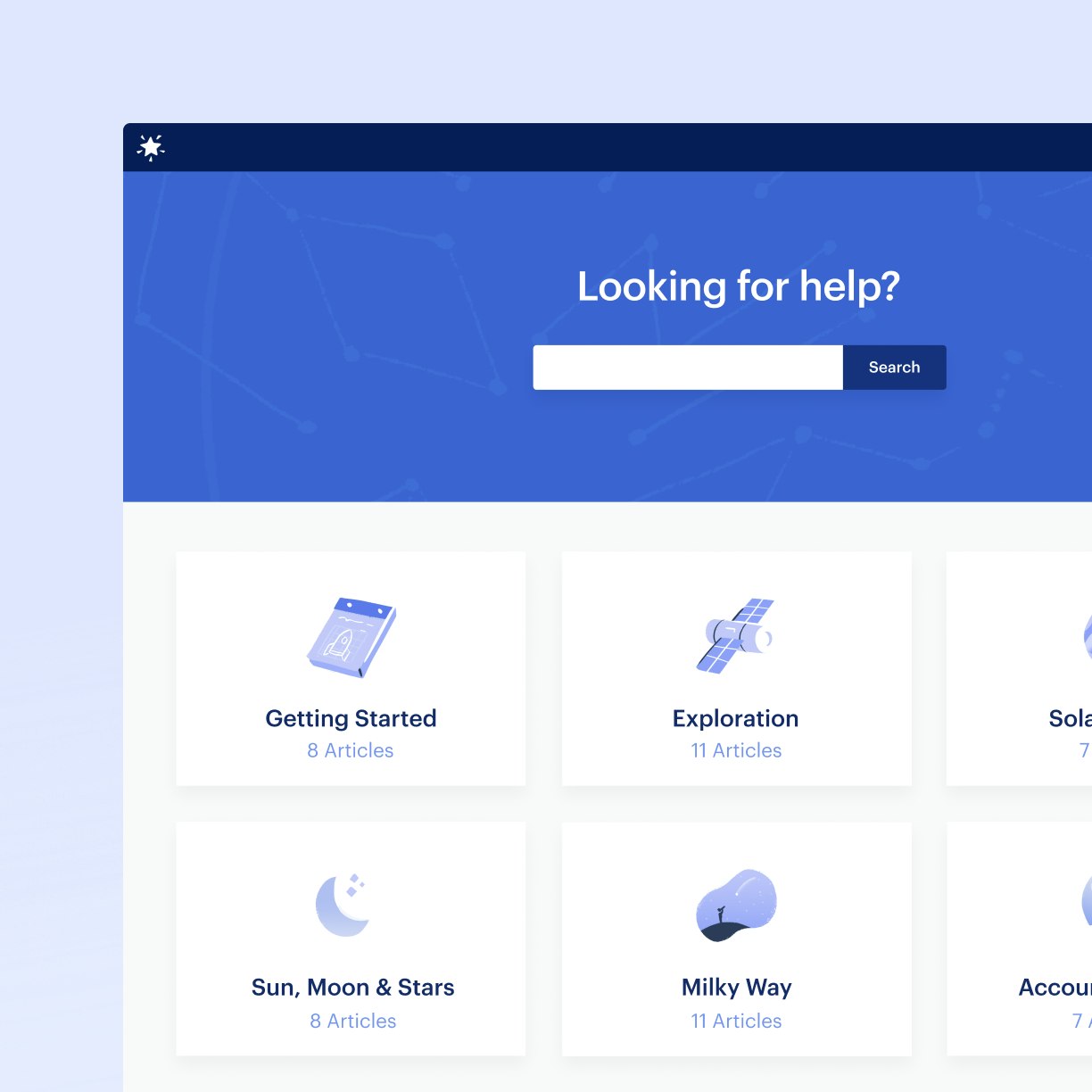
Help customers find exactly what they are looking for by organizing your articles into collections and categories.
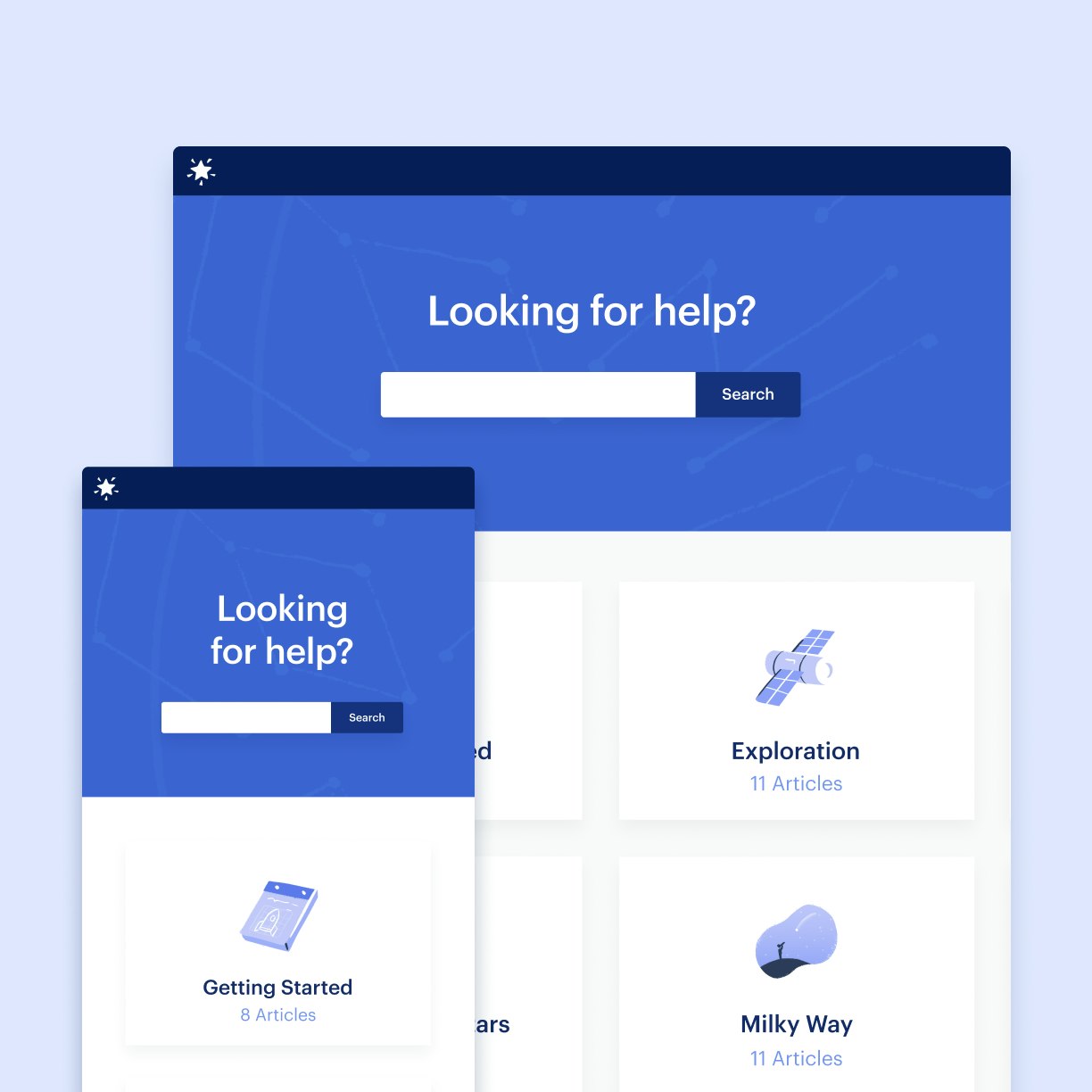
No matter if your customers use desktop, tablet, or mobile, they can always find the answers they’re looking for.
Trusted by more than 12,000 businesses







Docs tracking features help us know which topics customers tend to be most interested in or most often need more information about
Using Help Scout’s help desk and Docs knowledge base makes it easy for students to find answers and discover resources.
Ramin Sabour
We figured out how to automate, document, and delegate a lot of the processes in the business….We have around 500 SOPs, and they’re all documented in Help Scout
Docs is only the beginning
Help Scout doesn’t just give you the tools to create a world-class help center—it’s an all-in-one customer communication platform that provides channels and tools to handle all your customer conversations. Manage emails as a team in shared inboxes, set up live chat on your site, send proactive messages, and more. Docs works hand-in-hand with the whole platform, making it easy to add help center articles into emails and chats and offer outreach options directly from your Docs site.